How to Make Tech House in Ableton Live: Groove, Bass and Arrangement
To make Tech House in Ableton Live, lock a compact drum groove to a short bass phrase, add one recognizable hook and move into Arrangement View before the loop becomes overproduced. This guide covers session setup, drums, bass, vocal use, automation, DJ-friendly structure, low-end mixing and a practical export review with stock-device options.
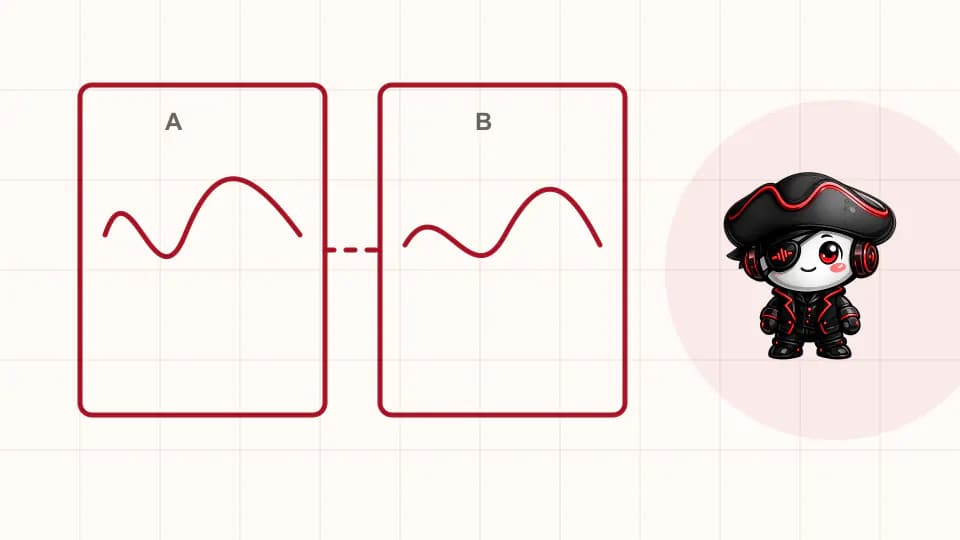
Step 1: Set a reference, tempo and finish line
Choose one released Tech House reference with the groove density, club context and arrangement scale you want. Tap its tempo instead of relying on a universal number, then mark phrase boundaries and note when the kick, bass, hook and vocal appear. Listen at matched loudness and describe relationships: how short the kick feels, where the bass answers it, how often the hook repeats and how much spectrum disappears in the breakdown.
Prepare a lean Ableton Live Set with kick, clap, hats, percussion, bass, hook, vocal, effects and reference tracks. Add drum, music and vocal groups plus a small number of return tracks. Your finish line is a beginning-to-end arrangement with stable low end and no accidental clipping, not a mastered release. This definition prevents preset browsing and master processing from replacing the decisions that make the record work.
Step 2: Program tight Tech House drums with controlled swing
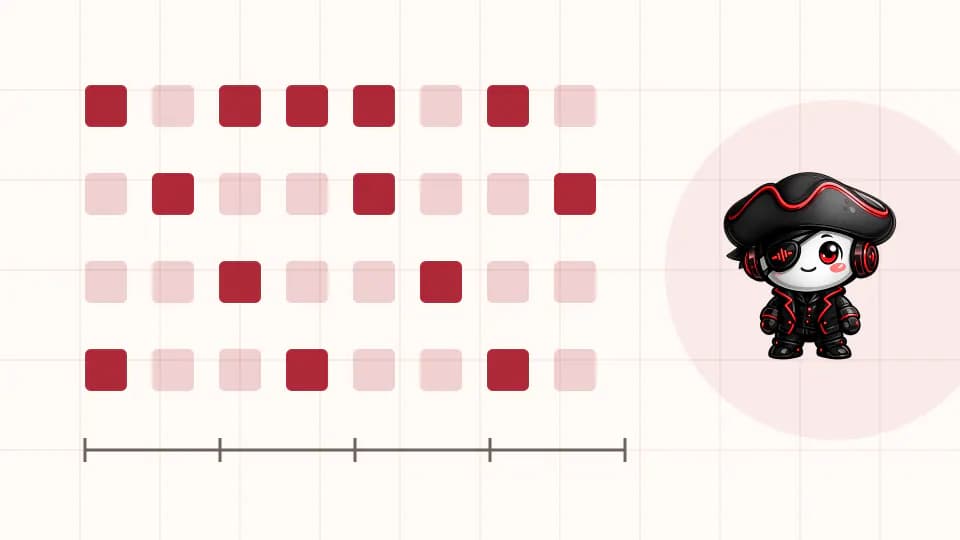
Start with a kick on every quarter note and a clap or snare that establishes the backbeat. Add one closed hat or shaker for the subdivision, then place a small percussion response in an empty part of the bar. Tune or replace sounds whose body clashes with the kick and shorten tails that cover the next hit. The core should move before Drum Buss, saturation or parallel compression is active.
Apply Groove Pool timing to selected hats, shakers or percussion rather than the entire kit. Raise timing and velocity influence gradually, compare with the straight clip and keep the strongest anchors dependable. You can extract a groove from an appropriate reference segment, but inspect the result and avoid treating extracted timing as a complete production recipe. The relationship between the moved lane and the stable kick creates the pocket.
Step 3: Make the bassline answer the kick
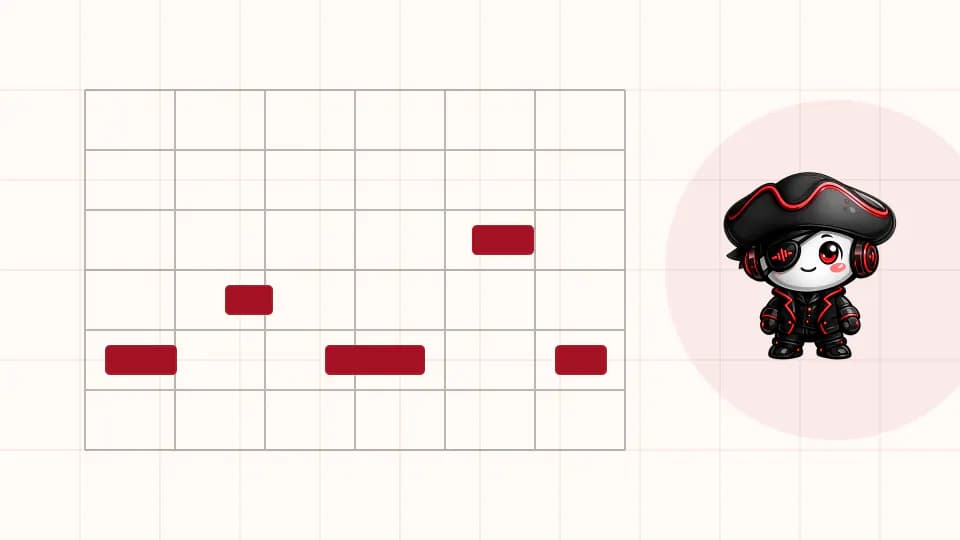
Create a two-bar MIDI clip and write the Tech House bassline with one note. Place the first response away from the kick impact, then add a pickup or variation only if the phrase needs it. Adjust note length before adding extra pitches. Short envelopes often create the clipped bounce associated with the style, while one longer note can connect a phrase when the kick and arrangement leave enough space.
Choose a synth or sampled source with a stable fundamental and enough harmonics to remain audible outside the sub range. Check the musical key, test octave choices and add light saturation only after level and envelope are right. Sidechain should solve a remaining overlap or create intentional pump; it cannot rescue a bassline whose notes continuously cover the kick.
Step 4: Choose one hook and treat vocals as licensed musical material
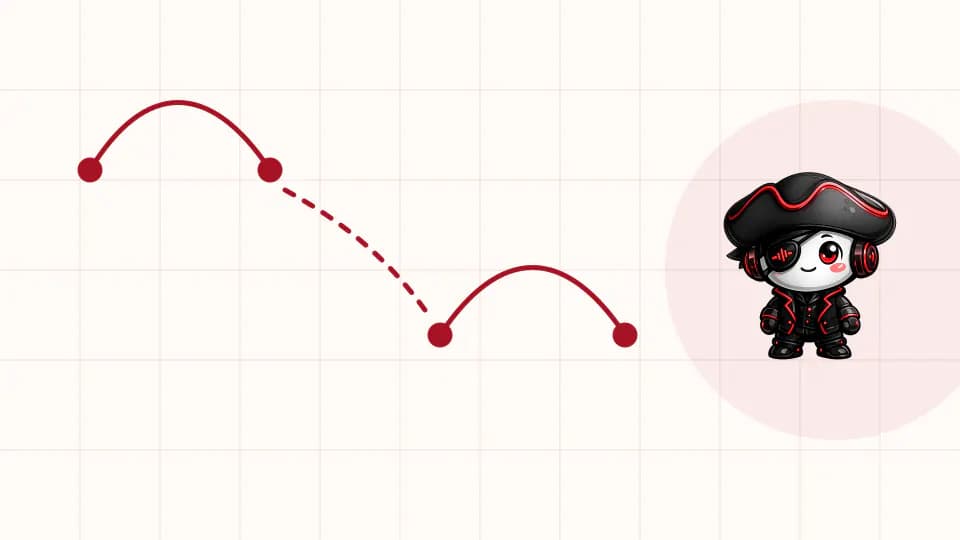
A useful Tech House hook can be a short vocal, stab, synth gesture, noise rhythm or percussion phrase. Choose one foreground identity and design supporting parts around its gaps. Crop the phrase tightly, correct timing only where the groove demands it and create one restrained variation for later sections. If the hook needs five competing layers to feel memorable, the core gesture is probably not clear enough.
Use vocals you recorded, commissioned or licensed for the intended release. Keep the license and source information with the project. Warping can align a phrase with the Set tempo, but listen for damaged consonants, unstable formants and stretched breaths. Resample only after preserving an editable original, and leave enough dry signal that the words or rhythmic contour stay intelligible in a dense club mix.
Step 5: Build a DJ-friendly Tech House arrangement
Move the loop into Arrangement View and duplicate it across a visible timeline. Create an intro, groove statement, development, main section, breakdown, return and outro according to your reference. Decide which elements define each state. A DJ-friendly Tech House arrangement normally makes its pulse and phrase boundaries readable, but it does not need to follow one fixed duration or reveal every layer in the same order.
Use subtraction for the first transition pass: remove bass, shorten the hook, thin the hats or expose the vocal. Add fills, filter movement and effect tails only where they clarify the boundary. Keep the strongest groove recognizable after the breakdown and avoid introducing a completely new palette in the final third unless the track's central idea genuinely requires it.
Step 6: Mix kick, bass and groove before the master bus
Balance kick and bass quietly, then check mono, note lengths and phase-sensitive overlap across the whole pattern. Decide which source carries the deepest stable energy and preserve useful harmonics in the other. If sidechain is needed, route a clean kick trigger and set attack and release by listening to the bass return. Compare compression with manual volume shaping on heavily syncopated phrases.
Group supporting drums only when shared processing improves their relationship. A small amount of clipping, saturation or compression can control peaks, but level-match every comparison so louder is not mistaken for better. Filter reverb and delay returns, automate effect density by section and leave headroom. Export a main groove and the full arrangement without an aggressive limiter before deciding what the mix actually lacks.
Common Tech House production mistakes
One common mistake is filling every sixteenth note. The kick, bass and hook lose identity when percussion, vocal chops and effects all demand the same spaces. Another is using sidechain as the only low-end decision while long envelopes continue to collide. Mute layers and shorten sources before adding more processing.
Producers also stay in Session View until the loop is overpolished, then discover that it has no contrasting states. Move to the timeline earlier and let arrangement expose which sounds are actually necessary. Finally, avoid measuring progress by loudness. A limiter can hide unstable transients and reduce section contrast; preserve an unforced version for honest comparison.
Tech House Ableton checklist before export
Listen from the first bar to the last without editing. Mark any moment where energy changes unintentionally, the hook becomes tiring or kick and bass lose clarity. Fix those moments in one pass, then test mono, headphones, a small speaker and a level-matched reference. Confirm every vocal and sample is cleared for the intended use.
- The drum groove works without master processing.
- Bass rhythm, envelope and octave support the kick.
- One foreground hook remains identifiable in every main section.
- The timeline offers clear phrase landmarks and usable intro and outro space.
- Effects support transitions without filling every gap.
- The export has headroom and no accidental clipping.
Next step: finish one version and compare decisions
Export the track, listen away from the studio and write a short revision list based on audible problems rather than imagined polish. Compare the drop, a sparse transition and the outro against the reference at matched loudness. Revise the most important relationship first, save a new version and stop when the stated finish line is met.
Then repeat the workflow with another reference and a deliberately different kick, bass rhythm and hook source. Repetition of the process—not duplication of the musical content—turns the method into a dependable Tech House production skill. Each completed arrangement gives you evidence about which decisions travel well to the next record.
PUT THE WORKFLOW TO USE
Study current House Pirata Ableton projects
Open available project studies and inspect how groove, routing and arrangement decisions interact in complete sessions.QUICK ANSWERS
Frequently asked questions
What BPM should Tech House use?
There is no mandatory BPM. Measure current references that match your intended context, then choose the tempo where kick, bass, vocals and percussion create the right pocket.
Can I make Tech House with Ableton stock plugins?
Yes. Live's instruments, Drum Rack, Simpler, MIDI editing, Groove Pool, EQ, saturation, compression, returns and automation provide the core tools. A focused palette and strong musical decisions matter more than a particular third-party plugin.
How long should a Tech House bass note be?
Set note length by the kick tail, tempo and phrase. Short notes often create bounce, but longer notes can work when they leave enough impact space and support the arrangement.
How do I arrange Tech House for DJs?
Use clear phrase landmarks, a readable pulse and enough intro and outro space for blending. Let energy states and your reference determine section length instead of copying one universal template.
Do I need sidechain on every Tech House bassline?
No. Note placement, envelope length, source choice and volume automation may create the required space. Use sidechain when it adds clearer impact or intentional movement.
KEEP BUILDING
Related production guides
How to produce in Ableton Live: an essential house workflow
To produce house in Ableton Live, organize a small set of audio and MIDI tracks, sketch the groove in Session View or directly in Arrangement View, then commit to a timeline early. This guide shows how Drum Rack, Simpler, Groove Pool, returns, sidechain and automation support that process and lead to a clean test export.
How to Make a House Bassline in Ableton Live: Rhythm, Sound and Mix
To make a house bassline in Ableton Live, write a simple rhythm around the kick, shape note length and silence, confirm the key, then choose a synth or sampled source with useful harmonics. This guide explains MIDI programming, groove, sound design, kick-bass separation, sidechain, arrangement variations and translation across deep, classic, Afro and Tech House contexts.
How to Build a Tech House Bassline in Ableton Live
Build a tech house bassline that locks with the kick, carries a memorable rhythm and translates cleanly from studio monitors to a club system.