How to Make a House Bassline in Ableton Live: Rhythm, Sound and Mix
To make a house bassline in Ableton Live, write a simple rhythm around the kick, shape note length and silence, confirm the key, then choose a synth or sampled source with useful harmonics. This guide explains MIDI programming, groove, sound design, kick-bass separation, sidechain, arrangement variations and translation across deep, classic, Afro and Tech House contexts.
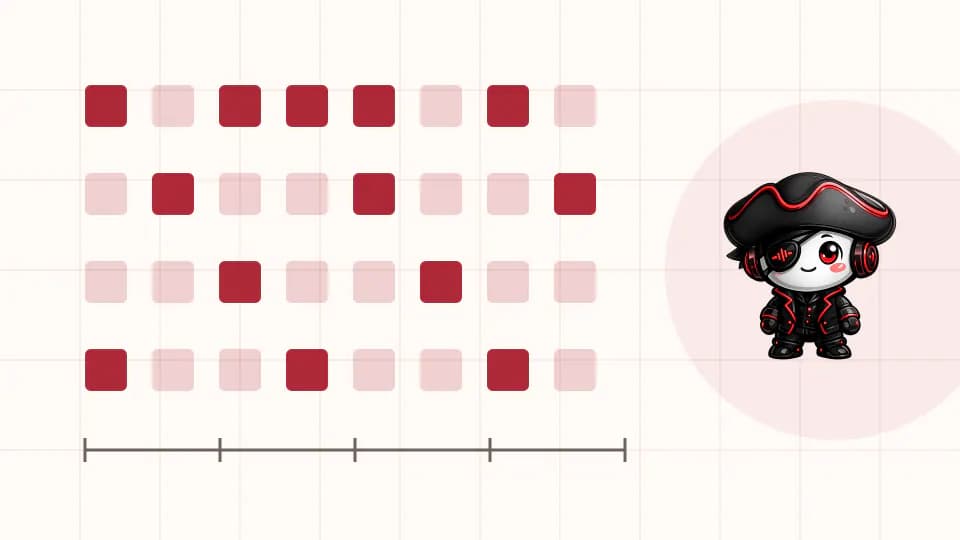
Step 1: Start with a rhythmic answer to the kick
Create a two-bar MIDI clip, load a plain synth or sampler and use one note. Place the kick first, then draw bass notes in the spaces around it. Listen for a question-and-answer relationship: the kick establishes the pulse and the bass adds movement between impacts. Leave at least one deliberate gap in the phrase. If a one-note pattern already makes the drum loop move, pitch and sound design can strengthen an idea that actually exists.
Change note length before adding more notes. Short envelopes create room and a clipped bounce; sustained notes can support deep or melodic house when the kick tail and harmony allow them. Try moving one note by a small subdivision, compare it with the quantized version and keep the placement that improves the whole groove. Do not randomize every event, because stable accents make intentional offsets audible.
Step 2: Choose notes that support the key and the house style
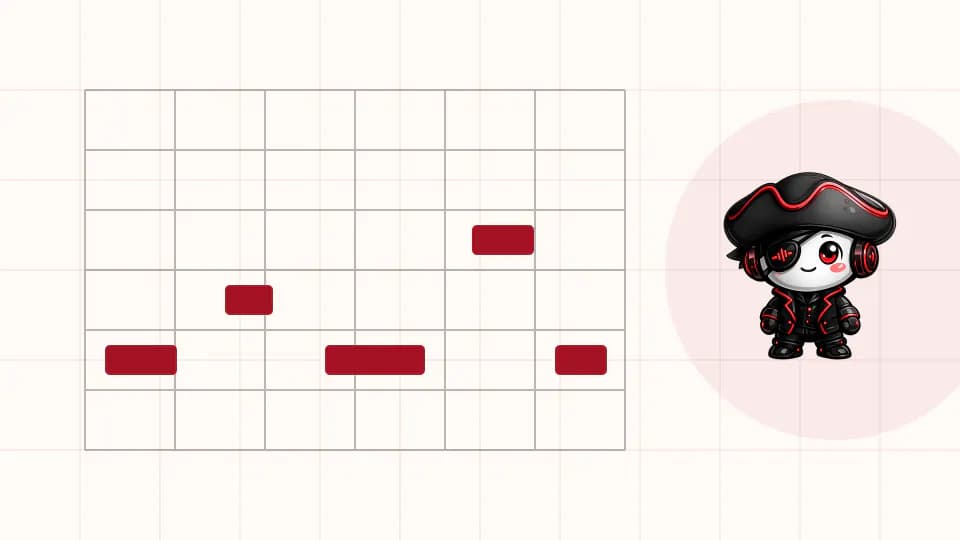
Set the clip's root and scale when the track has a defined key, then use scale highlighting to reduce accidental clashes. Begin on the root if you need a stable foundation, but do not assume every note must stay there. Fifths, octaves, chord tones, passing notes and chromatic approaches can all work when their tension resolves deliberately. Check the bass against chords and vocals rather than trusting the folded scale view alone.
Let the reference guide pitch density. A classic or garage-influenced line may carry a melodic syncopation, a deep-house line may sustain fewer notes and a Tech House pattern may rely on short repeated responses. These are tendencies, not rules. Preserve the rhythmic identity while testing pitches, and listen across multiple octaves because the same interval can change weight dramatically in the low register.
Step 3: Design a bass sound with a stable fundamental and useful harmonics
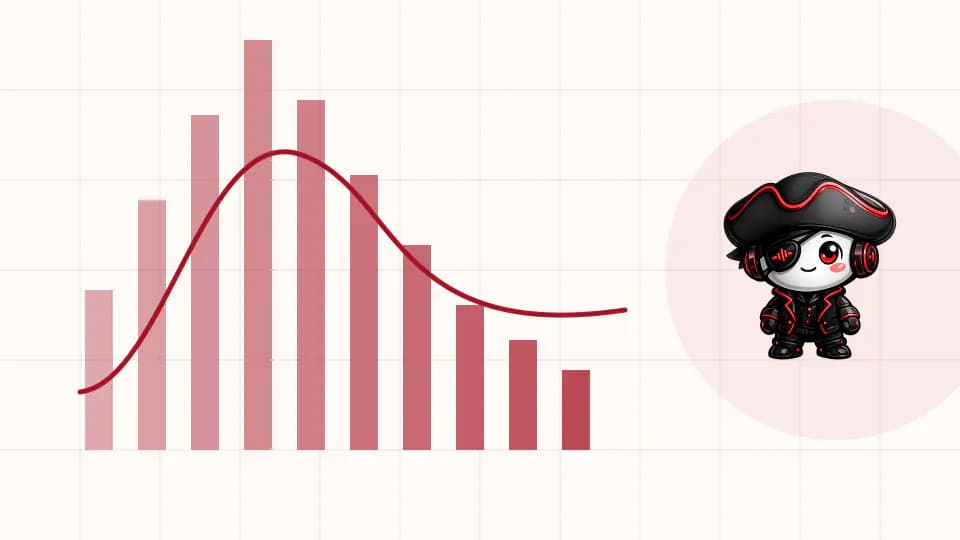
Start with a simple oscillator, an instrument preset you understand or a legally sourced one-shot in Simpler. Set the amp envelope so the sound follows the MIDI rhythm without clicks or uncontrolled tails. Filter resonance can change the perceived level of different notes, so audition the complete phrase. If the patch includes unison or stereo movement, check that the deepest information remains stable in mono.
Add saturation gradually to create midrange harmonics, then level-match the processed and clean versions. The goal is not maximum distortion; it is a bass rhythm that remains legible when a playback system cannot reproduce the fundamental. A separate mid-bass layer can work, but align its envelope and phase-sensitive onset with the low layer. Freeze or resample only after saving an editable source track.
Step 4: Make kick and bass share the low end
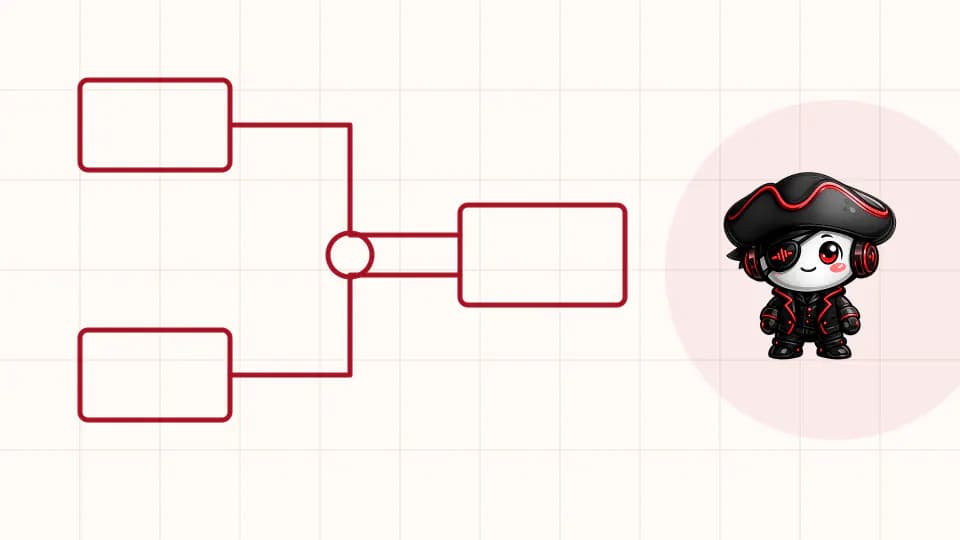
Listen to kick and bass alone at low volume, then bring the rest of the drums back. Shorten the kick tail or bass release when one masks the next event. Choose which source provides the deepest sustained energy and avoid boosting both into the same role. Test polarity and small timing changes only when you can hear inconsistent weight, and evaluate the entire bass phrase because different notes interact with the kick differently.
EQ should remove a heard conflict, not follow a fixed frequency recipe. A steep cut can make one note cleaner and another too thin. Use an analyzer to confirm what you hear, check mono and compare several sections. Once placement, envelopes and level are working, decide whether sidechain compression or manual volume shaping adds the final separation or musical pump.
Step 5: Set sidechain by the return of the bassline
Route the kick or a clean ghost trigger into a sidechain-capable device on the bass track. Adjust threshold and ratio until the kick becomes readable, then set attack and release by listening to the shape between impacts. Too-fast recovery can click or swell; too-slow recovery can erase pickups and make the bass feel late. Check every pattern variation, not only the simplest loop.
Compare compression with a volume envelope when the rhythm is highly syncopated or the kick changes by section. Manual shaping can give each event a specific curve, while compression reacts more easily to a consistent trigger. Neither method is automatically more professional. Keep the version that preserves the intended bass articulation with the least unwanted movement.
Step 6: Create bassline variations that serve the arrangement
Keep one main phrase recognizable and create two controlled variations. Remove a note to create space before a transition, then add a pickup or octave change for a stronger return. Change rhythm before changing the whole sound. Filter or envelope automation can distinguish sections, but preserve the transient and harmonic information that makes the line readable in the mix.
Arrange bass density alongside the drums and hook. A sparse intro may hint at one note, the first groove can establish the complete phrase and a breakdown can remove the fundamental while leaving a filtered response. When the bass returns, restore the original hook before introducing another variation. This gives the listener something stable to recognize while the energy moves.
Step 7: Check translation in the full mix
Reintroduce chords, vocals, low percussion and effect returns, because each can hide the bass even when kick and bass work alone. Decide which elements need low-frequency filtering or shorter releases. Avoid widening the lowest layer to manufacture size. If a stereo mid-bass layer is useful, verify that mono playback keeps the rhythm and weight intact.
Compare with a level-matched reference on monitors, headphones and a smaller speaker. Turn the track down until only the most important relationships remain. Export without an aggressive limiter and listen outside the Set. Translation problems often point back to note length, octave, harmonic balance or arrangement density rather than to a missing mastering plugin.
Common house bassline mistakes
The first mistake is choosing an impressive preset before writing a useful rhythm. Long releases, stereo modulation and heavy effects can disguise a pattern that does not interact with the kick. Return to one oscillator, fix timing and silence, then rebuild the sound. The second mistake is adding notes every time the loop feels empty; arrange percussion, chords and bass as one conversation instead.
Another mistake is forcing kick and bass apart with extreme EQ and sidechain while their envelopes still overlap. Solve the source timing first. Finally, do not judge low end only at high volume or through a limiter. Quiet, mono and small-speaker checks reveal whether the line has a clear rhythm and enough harmonics without excessive sub level.
House bassline checklist before export
Loop the busiest phrase and then play the full arrangement. The bass should keep its rhythmic identity, support the key and leave each important kick readable. Bypass saturation, EQ and ducking one at a time to confirm that every device solves a specific problem. Save an editable instrument version and a clearly named test export.
- The rhythm works with one note and a basic sound.
- Note lengths create deliberate space around the kick.
- Pitch choices support the chords, vocals and reference style.
- Harmonics preserve audibility without uncontrolled midrange.
- Sidechain or volume shaping returns in time with the groove.
- Mono, quiet and small-speaker checks preserve the bass identity.
Next step: write three rhythms with the same bass sound
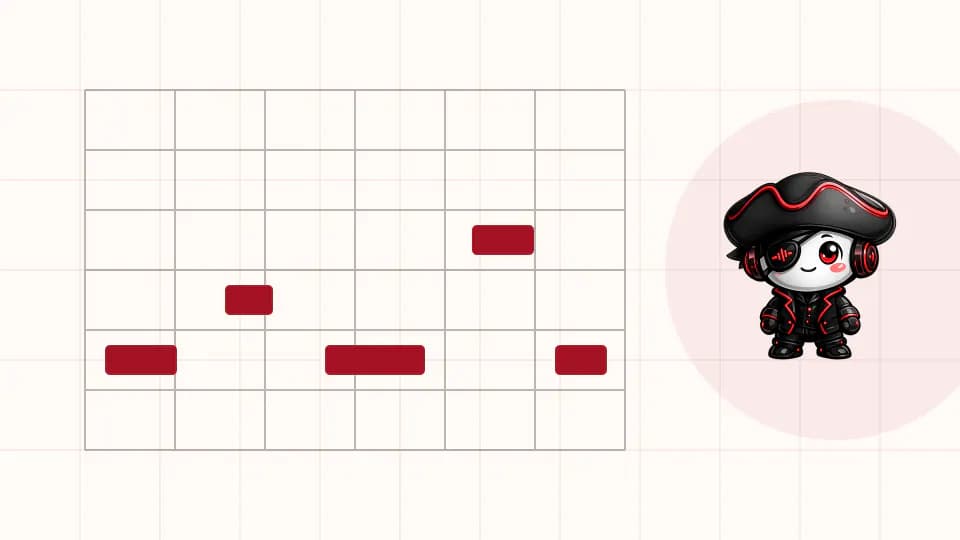
Save the finished phrase as part of the project, not as a formula for every future track. For a focused practice session, keep the same simple bass patch and write three different two-bar rhythms against three drum grooves. Change silence, note length and syncopation before changing pitch. This isolates composition from preset choice and makes the transferable skill easier to hear.
Choose the strongest pattern, develop two arrangement variations and export a short comparison. Then repeat with a different house reference. Across several finished tracks, you will learn when a sustained line, clipped response, melodic phrase or sub-heavy pattern belongs—and when a simpler answer to the kick is stronger.
PUT THE WORKFLOW TO USE
Explore available house bass and drum sources
Audition the current House Pirata catalog by production role, then write the rhythm before committing to a sound.QUICK ANSWERS
Frequently asked questions
What is a good house bassline pattern?
A good pattern creates a clear rhythmic relationship with the kick, leaves deliberate silence and supports the track's harmony. The exact notes and syncopation depend on the reference and house style.
Should the bassline play on the kick?
It can, but overlap must be intentional. Note placement, envelopes, level, phase and ducking determine whether simultaneous events add weight or hide the kick.
Which Ableton instrument is best for house bass?
There is no single best instrument. A simple Live synth or Simpler can produce a strong bass when the rhythm, envelope, octave and harmonics fit the track.
How much sidechain should a house bassline use?
Use only enough to create the required kick space or pump. Set recovery by ear against the tempo and phrase, then compare it with corrected note lengths or manual volume shaping.
How do I make a bassline audible on small speakers?
Add controlled harmonics through synthesis, saturation or a matched mid-bass layer, then level-match and check mono. Do not solve small-speaker translation by simply raising sub level.
KEEP BUILDING
Related production guides
How to Make Tech House in Ableton Live: Groove, Bass and Arrangement
To make Tech House in Ableton Live, lock a compact drum groove to a short bass phrase, add one recognizable hook and move into Arrangement View before the loop becomes overproduced. This guide covers session setup, drums, bass, vocal use, automation, DJ-friendly structure, low-end mixing and a practical export review with stock-device options.
How to Make Afro House in Ableton Live: Drums, Bass and Arrangement
To make Afro House in Ableton Live, choose one clear reference, build a steady kick and an interlocking percussion conversation, then write a restrained bassline and musical response before arranging the loop. This guide turns those decisions into a complete workflow for groove, sound selection, vocals, transitions, low-end control and a clean test export.
How to Build a Tech House Bassline in Ableton Live
Build a tech house bassline that locks with the kick, carries a memorable rhythm and translates cleanly from studio monitors to a club system.