WAV vs AIFF vs FLAC vs MP3 for DJs in 2026: The Best Format for Club Use
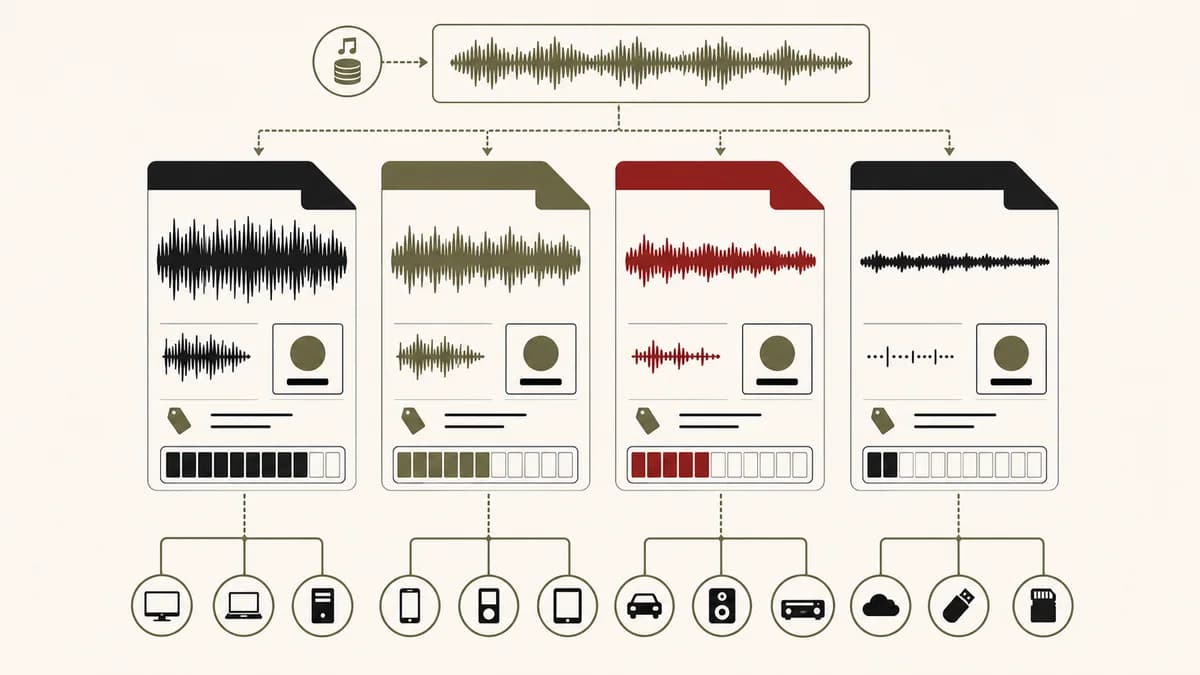
There is no single best audio format for every DJ. WAV and AIFF provide uncompressed PCM, FLAC stores audio losslessly with compression, and MP3 trades information for smaller files. The right choice depends on the exact player, metadata workflow, storage, source quality and backup plan. Verify equipment compatibility before preparing a club USB.
Understand uncompressed, lossless compressed and lossy audio
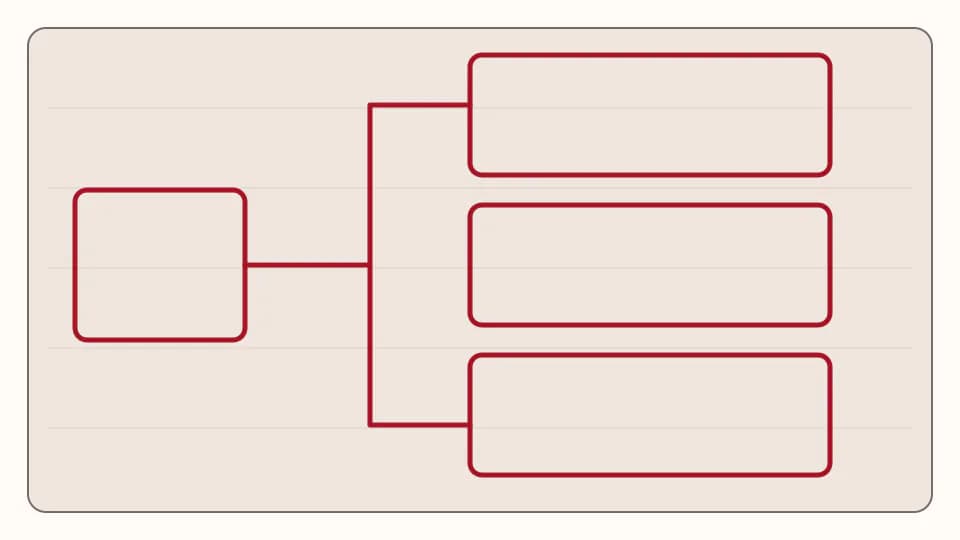
A file extension does not prove how good a track will sound. The chain begins with the recording, mix and master, then passes through an export or encoder. WAV and AIFF commonly carry uncompressed PCM: sample values are stored directly and files are relatively large. FLAC uses lossless compression, which reconstructs the same decoded audio data while saving space. MP3 uses lossy compression, discarding information according to its encoder and bitrate. A well-made file in any category can be more useful than a badly sourced file in a theoretically superior container.
Lossless does not mean untouched. A FLAC made from a genuine PCM master can decode without additional loss, but a FLAC made from an MP3 preserves the limitations of that MP3. Converting MP3 to WAV merely creates a larger container around already-decoded audio. It cannot restore discarded detail. The same principle applies to sample rate and bit depth: changing the label or container does not recover information missing from the source.
Bit depth describes the resolution available for amplitude values in PCM workflows. Sixteen-bit audio is established for final distribution, while 24-bit provides more headroom and lower quantisation noise during recording, editing and production. It does not automatically make a DJ master better. A clean 16-bit export from a strong source is preferable to a clipped or transcoded 24-bit file. For DJ libraries, use the supplied authorised format and avoid unnecessary conversions.
Sample rate describes how many samples are stored per second. Both 44.1 kHz and 48 kHz are common professional rates. Higher numbers do not repair poor mastering, and converting repeatedly can add needless complexity. Keep production sessions at a consistent rate, export according to the release or delivery specification, and test the exact DJ workflow. The practical question is not which number wins in isolation, but whether the source, software and playback chain handle it correctly.
For a three-minute stereo PCM file, the calculation is sample rate × bit depth × two channels × 180 seconds, divided by eight. Decimal estimates are about 31.8 MB at 44.1 kHz/16-bit, 47.6 MB at 44.1 kHz/24-bit and 51.8 MB at 48 kHz/24-bit. A 320 kbps MP3 is about 7.2 MB before minor container overhead. FLAC size varies with the audio because compressibility varies, so a single promised percentage would be misleading.
| Encoding | Calculation | Approximate size |
|---|---|---|
| 44.1 kHz / 16-bit PCM | 44,100 × 16 × 2 × 180 ÷ 8 | 31.8 MB |
| 44.1 kHz / 24-bit PCM | 44,100 × 24 × 2 × 180 ÷ 8 | 47.6 MB |
| 48 kHz / 24-bit PCM | 48,000 × 24 × 2 × 180 ÷ 8 | 51.8 MB |
| MP3 320 kbps | 320,000 × 180 ÷ 8 | 7.2 MB |
| FLAC | Depends on source material | Variable |
Compare WAV, AIFF, FLAC and MP3 without false shortcuts
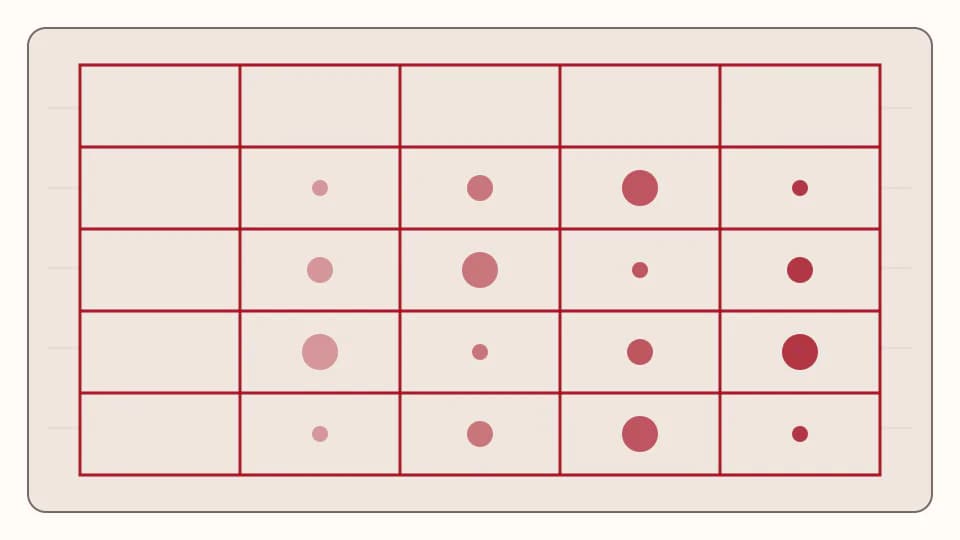
WAV is widely used for PCM masters, edits and DJ files. Its straightforward structure and broad software support make it a conservative option, especially when the destination equipment is uncertain. Metadata handling has historically varied between applications, although modern software can write and read common tags. Do not assume that every hardware player supports every WAV bit depth, sample rate or encoding variant. Standard PCM at a documented specification is safer than an unusual file merely carrying the WAV extension.
AIFF is also commonly used for uncompressed PCM and is particularly attractive when a library workflow preserves artwork and descriptive tags reliably. At the same sample rate, bit depth and channel count, its audio data requirement is comparable to WAV. Sound quality is not inherently better or worse. Choose between them based on metadata behaviour, platform habits and confirmed equipment support, then maintain one consistent convention to avoid duplicate files.
FLAC reduces storage while retaining decoded audio information, and its tagging support is useful for organised libraries. It can be an efficient primary archive or DJ format when every device in the route supports the exact FLAC specification. That final condition matters: older or particular players may not support FLAC, and support can differ by model. The current rekordbox equipment compatibility information therefore needs to be checked against the exact unit expected in the booth.
MP3 remains valuable when capacity, transfer speed or uncertain legacy playback matters. A high-bitrate file from a proper master can work as an emergency backup, but it is lossy and should not be transcoded repeatedly. Keep the authorised highest-quality source separately. If MP3 is the only legitimate supplied version, use it honestly rather than manufacturing a fake WAV. A reliable file that loads on the target device is more useful in a set than an incompatible file with impressive numbers.
Metadata affects real performance: artist, title, mix name, artwork, genre, key cues and comments help a DJ find the right track quickly. Containers and applications do not treat all fields identically. Test changes by closing and reopening the library, exporting to the actual medium and loading that medium on representative equipment. Keep filenames readable even when tags are complete. A consistent Artist - Title - Mix pattern makes emergency recovery easier outside the primary database.
| Format | Encoding | Typical advantage | Main caution |
|---|---|---|---|
| WAV | Usually uncompressed PCM | Conservative interchange and editing | Metadata and variant support can differ |
| AIFF | Usually uncompressed PCM | PCM plus strong tagging workflows | Verify exact player support |
| FLAC | Lossless compressed | Smaller files and useful metadata | Not supported by every older player |
| MP3 | Lossy compressed | Small and broadly practical | Cannot recover discarded source detail |
Verify rekordbox and exact player compatibility before the set
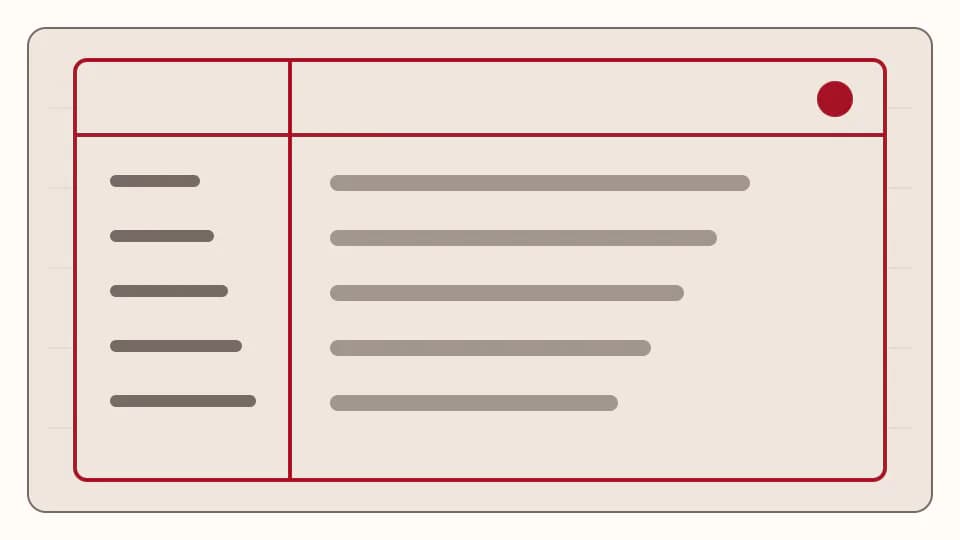
rekordbox can analyse and organise multiple formats, but software import is only one stage. The exported device still has to be read by the player in the booth, and that player's supported file system, format, bit depth and sample rate determine the result. AlphaTheta's current rekordbox FAQ explicitly directs users to compatibility information by DJ equipment. Treat that model-specific table and the product manual as the authority, not a general statement that one format works everywhere.
Before playing, identify the exact model whenever possible. Check its official manual for supported audio formats and USB file systems, then verify whether firmware requirements apply. If the venue cannot confirm the model, prepare a conservative USB using a documented broadly supported PCM or MP3 workflow and carry a second independently tested backup. Do not rely on a single large drive, a single database export or an adapter you have never used under performance conditions.
In rekordbox, import the authorised source files rather than unnecessary derivatives. Analyse them, inspect beat grids manually, set cues, and verify artist/title fields and artwork. Export to the intended USB through the supported workflow. Eject correctly, reconnect the drive, and browse it again. If possible, test on the same model or a documented compatible model. A successful load should include playback, waveform, cues and navigation—not merely the appearance of a filename.
Modern equipment may support FLAC, but that statement cannot be projected onto older or unknown players. Some devices also limit particular sample rates, bit depths or file variants. Maintaining a second set in a conservative format is not an admission that lossless compression is technically weak; it is operational risk management. The decoded audio can be lossless while the hardware remains unable to open its container.
Keep the library auditable. Store the purchase or distribution record, original supplied file, checksums where useful, and a note of any derived DJ copy. Avoid renaming multiple versions so similarly that a lossy conversion is mistaken for a master. The live House Pirata music page can be explored for authorised releases, but only call a product lossless or 24-bit when its individual listing explicitly confirms that format. Format quality is a factual product attribute, not marketing decoration.
Choose a format for each job and build a dependable backup
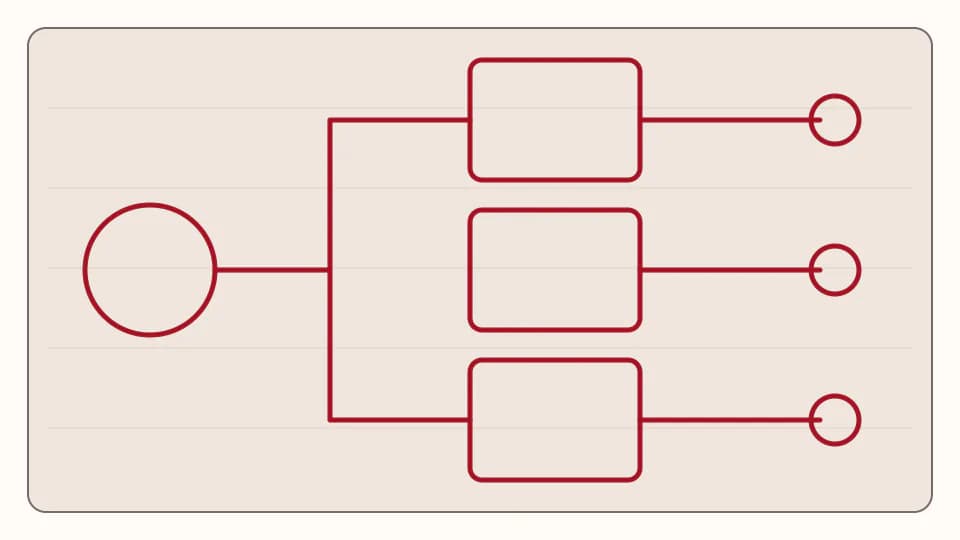
For a production master, retain the native high-resolution PCM export requested by the mastering or distribution workflow, commonly WAV or AIFF, plus project records. For a principal listening archive, use the authorised lossless source and preserve metadata consistently; WAV, AIFF or FLAC can all serve depending on the ecosystem. Do not up-convert a purchased MP3 and label it as a master. Provenance matters more than the extension.
For a USB aimed at known modern equipment, choose a supported format that matches your library priorities and verify it on the exact model. FLAC may save space, while AIFF or WAV may align with an established PCM workflow. For old or unknown equipment, favour a conservative, officially documented specification and create a separate export rather than changing the archive. A high-bitrate MP3 backup can be operationally useful when capacity and legacy compatibility dominate, provided it is encoded from an authorised quality source.
For editing and production, avoid repeated lossy encoding. Work from the best authorised source, keep headroom where the task requires processing, and export delivery files once. If a file is suspicious, inspect its provenance first. A spectrum display can reveal an obvious high-frequency cutoff, but it cannot prove the complete history or legitimacy of a source by itself. Compare duration, peaks, metadata and trusted checksums when available; obtain a replacement from the distributor when confidence is low.
The final choice is therefore conditional. Need maximum editing simplicity and known PCM support? Use a documented WAV or AIFF specification. Need lossless storage efficiency and confirmed support? FLAC is sensible. Need a compact emergency copy or a supported legacy workflow? A properly encoded MP3 may be appropriate. Need robust metadata? Test AIFF, FLAC or the tagging implementation used by your software. Each answer must survive the exact player, not an abstract format debate.
Common mistakes include trusting an extension, converting MP3 to WAV, using one USB, assuming all CDJ generations behave alike, ignoring file-system requirements, mixing masters and DJ derivatives in one folder, and skipping a post-export test. Correct them with a written preparation routine. Keep two verified drives, retain original files separately, and test representative tracks at the beginning, middle and end of each export. The best DJ format is the one whose source, compatibility and recovery plan you can verify for that set.
- Master: retain the authorised native production or delivery file.
- Main library: choose lossless when source and workflow support it.
- Known modern booth: follow the exact model manual.
- Old or unknown booth: carry a conservative separately tested export.
- Emergency backup: prioritise verified loading and independent media.
- Never describe a transcoded lossy source as lossless.
PUT THE WORKFLOW TO USE
Browse authorised house music
Review the live House Pirata catalogue and confirm the format stated on each individual listing before choosing a DJ download.QUICK ANSWERS
Frequently asked questions
Is WAV always the best format for DJs?
No. WAV is a conservative PCM option, but the best choice depends on source quality, metadata, storage and the exact player. Verify the model and keep a tested backup.
Does FLAC sound worse than WAV?
A valid FLAC made from the same PCM source decodes losslessly. The practical difference for a DJ is container support, metadata workflow, storage and the exact playback device.
Can every Pioneer DJ or AlphaTheta player read FLAC?
No. Compatibility varies by model and specification. Consult the current official compatibility table and the manual for the exact unit.
Does converting MP3 to WAV improve quality?
No. It increases file size but cannot restore information removed by the MP3 encoding stage.
Should DJs use 16-bit or 24-bit files?
Use the authorised source and a specification supported by the target equipment. Twenty-four bit is useful in production, but the label alone does not guarantee a better master or broader playback support.
KEEP BUILDING
Related production guides
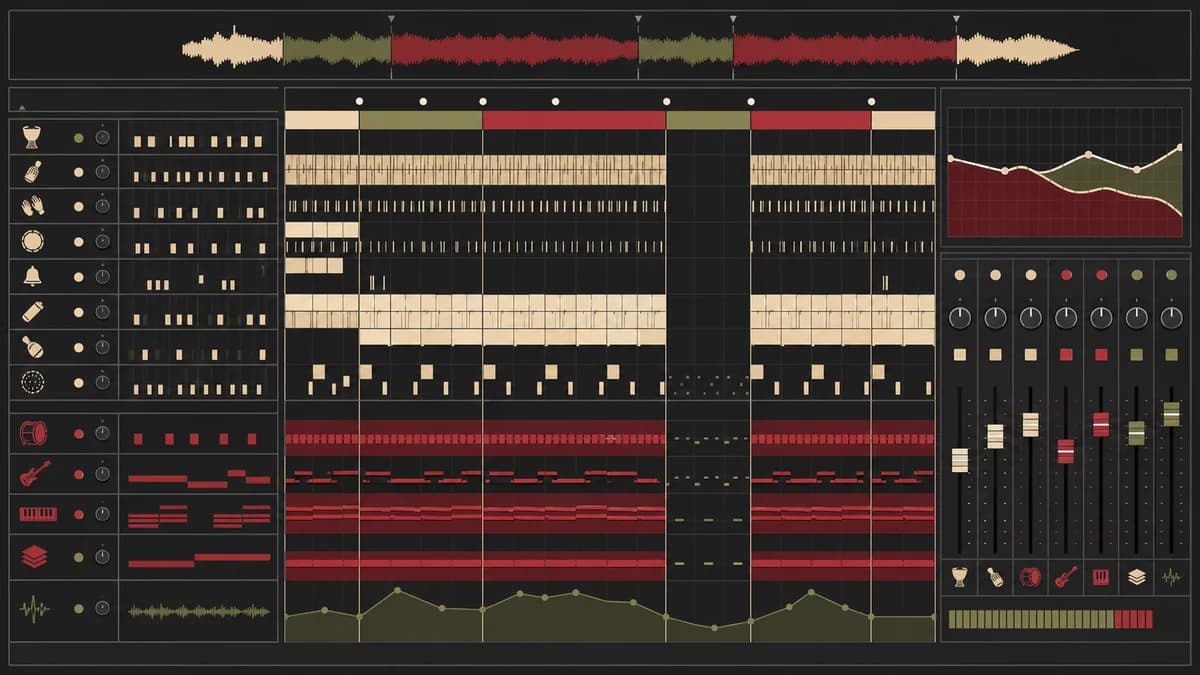
How to Make Afro House in Ableton Live 12: Percussion, Bass, Chords and Full Arrangement
To make Afro House in Ableton Live 12, start with a grounded four-on-the-floor pulse, build a conversational percussion layer, and leave enough space for a rhythmic bass and memorable harmony. Around 122 BPM is a useful practice tempo, not a rule. Human timing, careful dynamics and a clear arrangement matter more than filling every available step.
Why Ableton House Templates Improve Production
Learn how a focused Ableton house template preserves groove decisions, removes repetitive routing and helps producers turn promising loops into polished arrangements without losing originality.
Kick and Bass in House: Phase, Space and Groove
Understand the relationship between house kick and bass by defining frequency roles, checking phase, shaping note lengths and using sidechain movement that protects both punch and groove.